
Hey! I’m Mike, I go by DJ AXCESS, and I’m a DJ, public speaker, and business coach based in Columbus, Ohio. I just posted a Youtube video about wireless gear. Watch the full video here: [YouTube Link]
Most DJs don’t think about wireless gear until it fails.
That’s the problem.
Wireless gear is one of those things that can feel invisible when everything is working. Your microphones sound clean. Your in-ear monitors stay connected. Your drum mic sends signal without issue. Your satellite speaker gets audio where it needs to go.
But the moment something cuts out, drops, pops, or picks up interference, it becomes the only thing anyone notices.
In this post, I’m breaking down what I learned while upgrading my DJ wireless setup with the Sennheiser EW G4 IEM system and Shure SLXD35 wireless drum mic. This is not a full long-term review. It is a real-world look at setup, mistakes, frustrations, and the bigger lesson DJs need to understand before relying on cheaper wireless gear.
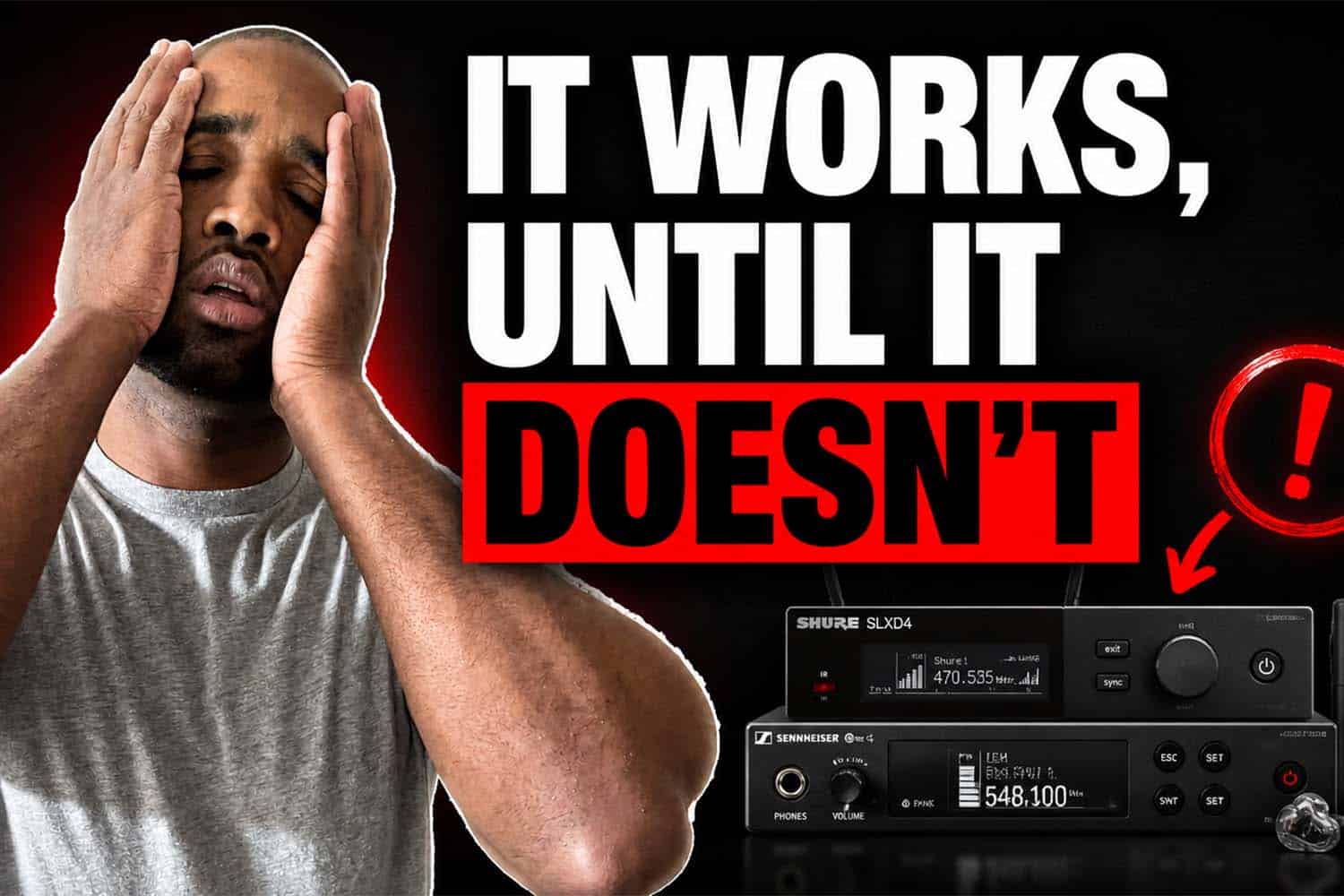
Cheap Wireless Gear Works Until It Doesn’t
A friend of mine, Lauren from Luminary Productions, said something that has been stuck in my head:
Budget or mid-tier wireless gear works until it doesn’t.
That line hit me because I have been guilty of this.
When it comes to customer-facing gear, like wireless microphones, I usually buy higher-quality equipment. Those are the pieces clients and guests directly experience. If a ceremony mic cuts out or a toast microphone sounds bad, everyone knows.
But when something is not customer-facing, I have sometimes been more willing to experiment with affordable or mid-tier options.
That includes wireless in-ear monitors, drum mic systems, and other pieces that support my performance behind the scenes.
The problem is that those systems still affect the event.
If my in-ear monitor cuts out, I lose confidence in what I’m hearing. If my drum mic signal is unstable, the live performance element becomes less reliable. If I’m sending audio wirelessly to a musician or satellite speaker and something goes wrong, I now have a problem that can affect the flow of the room.
That is where cheap wireless gear gets dangerous.
It may work in your garage. It may work at one event. It may work when you only have one or two wireless devices running.
But as your setup grows, so does the pressure on your wireless system.
Why I Upgraded My Wireless Setup
For this setup, I replaced my older wireless in-ear monitor system with the Sennheiser EW G4 IEM system.
I also added the Shure SLXD35 wireless system for my drum microphone.
The goal was simple: make my setup cleaner, more flexible, and more reliable.
I wanted my in-ear monitors to be wireless. I wanted a wireless drum mic. I wanted the option to send an in-ear feed to a sax player or another musician. I also wanted the ability to send audio to a satellite speaker when needed.
That means I am no longer thinking about one wireless device.
I am thinking about multiple wireless devices working together.
In one setup, I may be running:
Two wireless handheld microphones
A wireless in-ear monitor feed for myself
A wireless in-ear monitor feed for a musician
A wireless drum microphone
A wireless satellite speaker feed
That is a lot of wireless signal to manage.
This is where a DJ has to think beyond the product box. The question is not just, “Does this wireless system work?”
The better question is, “Does this wireless system work inside the full environment I actually perform in?”
That includes other wireless microphones, musicians, venues, Wi-Fi, guests with phones, and whatever else is happening in the room.
The Setup Was Not as Simple as Expected
The first frustration with the Sennheiser EW G4 IEM system was the rack setup.
For a system in this price range, I expected the rack mounting process to be a little more complete. The transmitter has the antenna connection on the back, but when you are rack mounting it, you usually want the antenna routed to the front.
That requires the right BNC cable and adapter.
The problem was that the cable I bought did not fit the front rack hole correctly. I needed a D-style connection, not the standard circular one I had. I ended up taking a part from another system just to get the install done.
That is not the end of the world, but it is the kind of detail that matters when you are trying to build a clean, professional setup.
The other frustration was syncing.
With some wireless systems, you can scan on the receiver and sync back to the transmitter. That would make sense here because the receiver is what scans for open frequencies.
But with this Sennheiser system, I had to scan on the receiver and then manually input the frequency into the transmitter.
That is annoying.
Is it a deal breaker? No.
But it is something DJs should know before buying. Just because a system is more expensive does not mean every part of the workflow is easier.
Sometimes you are paying for reliability, build quality, and signal performance, not convenience.
The Biggest Wireless Mistake I Was Making
The most important lesson from this setup was not about the gear itself.
It was about scan order.
Before this, I would scan and sync my wireless microphones, test them, and then turn them off while setting up the next wireless device.
That was the mistake.
If you turn off the transmitters after scanning them, your next wireless system does not know those frequencies are already being used. That means another device could scan and land on a frequency that conflicts with something you already set up.
The better process is to scan your most important wireless devices first, then leave those transmitters on while scanning the next system.
For me, that means wireless handheld microphones come first.
Those are the most important because they are customer-facing. If a mic fails during a ceremony, speech, or announcement, everyone hears it.
After that, I scan the wireless in-ear monitor system.
Then I scan the drum microphone.
The priority is simple:
Most important wireless devices get the cleanest frequencies first.
Everything else works around them.
That small change makes the entire setup more intentional.
It also shows why wireless gear is not just about buying better equipment. You still need a system for how you deploy it.
What DJs Should Take Away From This
The big lesson is not that every DJ needs to buy the most expensive wireless system.
The real lesson is that your gear decisions should match the level of responsibility your events require.
If you are playing simple events with one wireless microphone, your needs may be different.
But if you are running multiple mics, in-ear monitors, live drums, musicians, satellite speakers, or complex event setups, wireless reliability becomes a bigger part of your performance.
That is especially true for wedding DJs, corporate DJs, and event professionals who are expected to solve problems before anyone notices them.
At a certain point, gear stops being about convenience and starts being about control.
Control of your signal.
Control of your workflow.
Control of what happens when the room gets complicated.
That is why I am becoming much less interested in cheap wireless solutions. I would rather invest in gear that gives me a better chance of staying clean, stable, and professional when the stakes are higher.
Final Takeaway
Wireless gear is easy to underestimate because the best version of it is invisible.
Nobody compliments you because your in-ear monitors stayed connected all night. Nobody notices when your wireless drum mic works perfectly. Nobody thinks about your frequency scan order when the event runs smoothly.
But they notice when it fails.
That is why DJs need to think about wireless gear before there is a problem.
The right system, the right setup process, and the right scan order can make a major difference in how confidently you perform.
This video walks through my first setup with the Sennheiser EW G4 IEM system and Shure SLXD35 wireless drum mic, including what worked, what annoyed me, and what I learned along the way.